An SSH user secret gives each machine an SSH certificate when it asks for one. The machine fetches it with ratel cert get, and plain ssh logs it in on every host that trusts the secret's certificate authority, until it expires an hour later. Revoke it, and those hosts refuse it at once and end the session still open with it.
What you need#
A certificate authority attached to the hosts' nodes. See Set up a certificate authority.
The accounts the certificates log in as, such as
deploy, on those hosts.A role with write on secrets, and read and write on Certificate authorities.
A machine with access to the environment, with the
ratelCLI 1.7.0 or later.
Open a new dynamic secret#
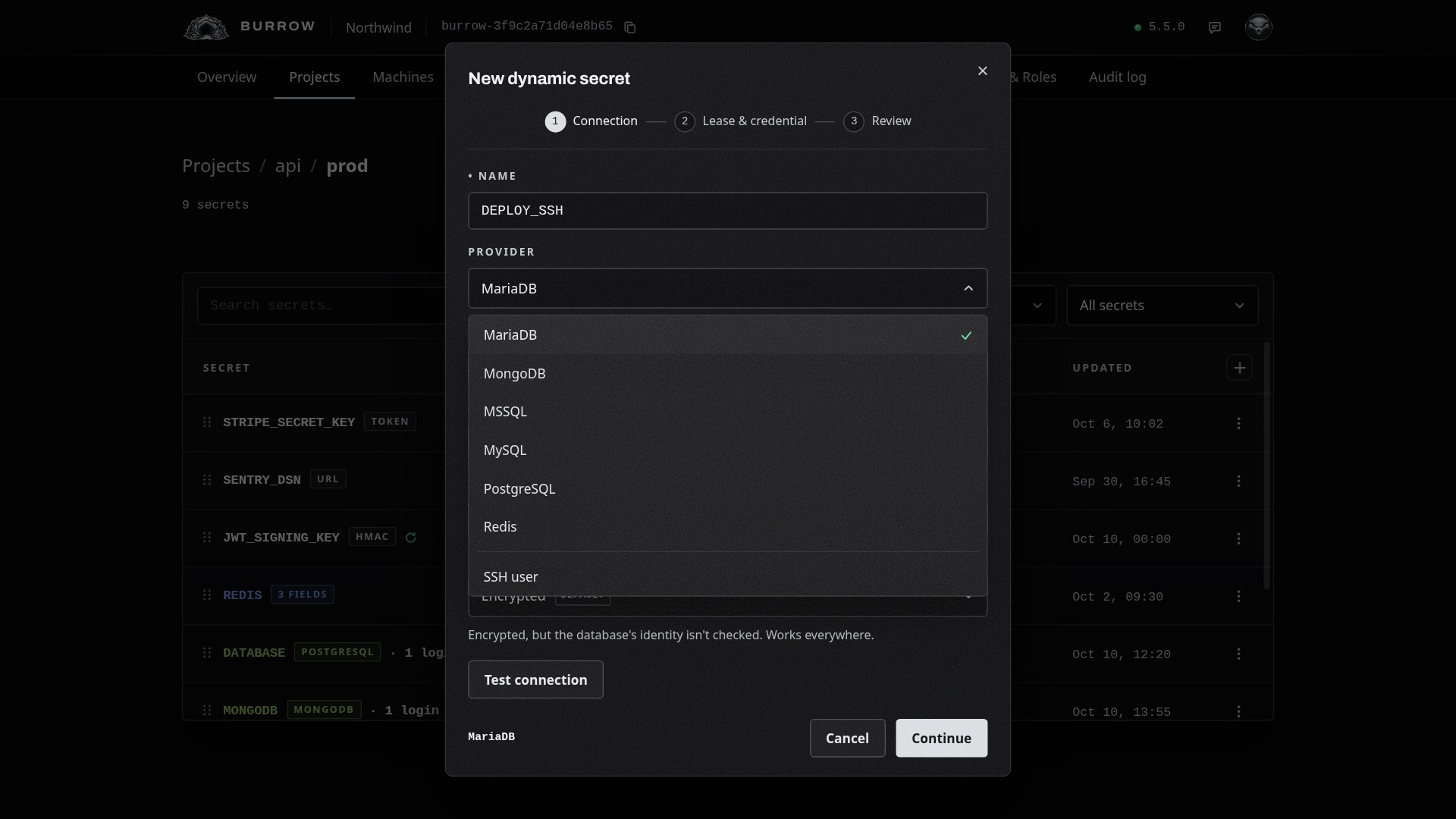
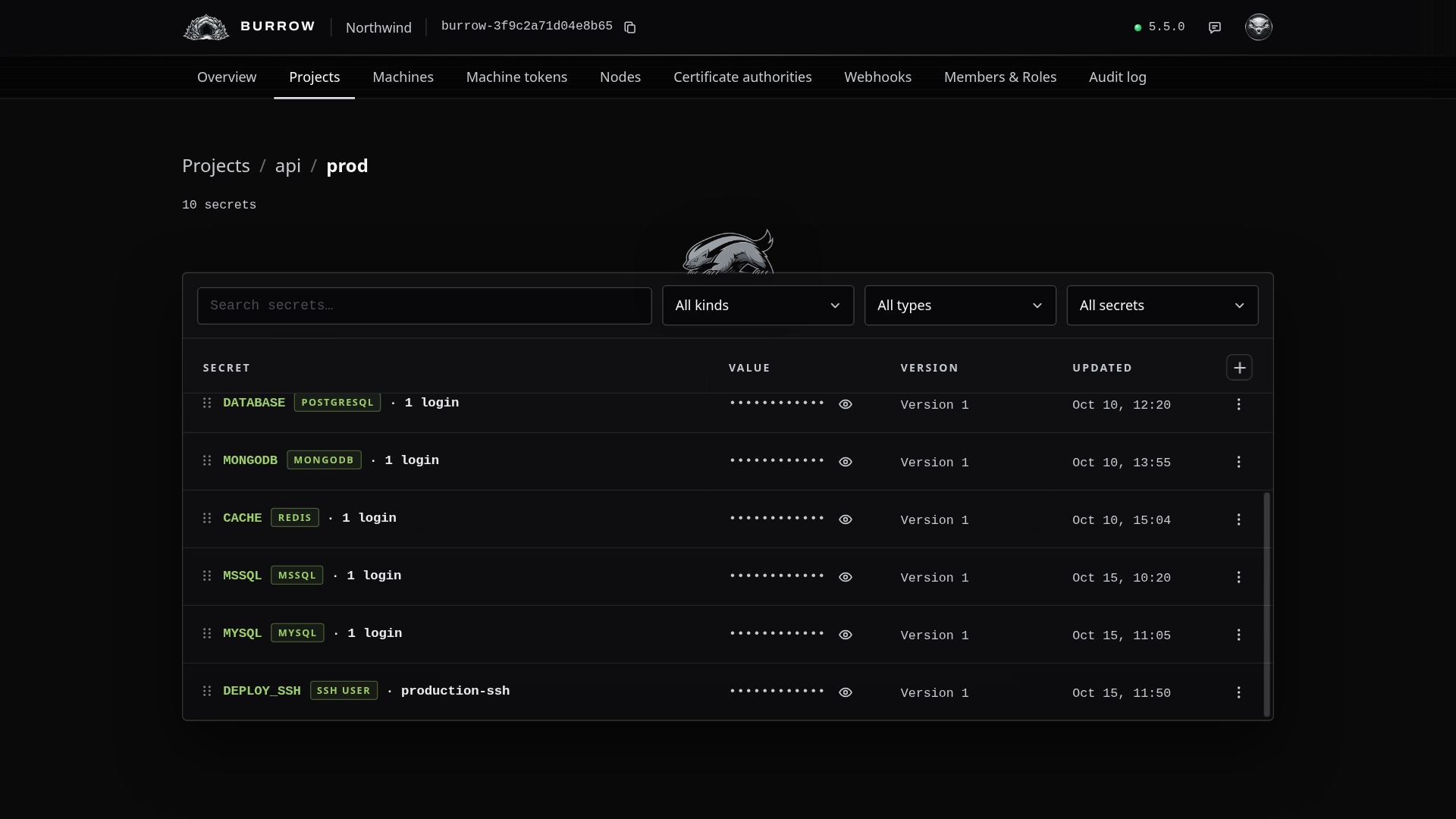
Open the environment in Projects, select the + at the top right of the secrets table and choose Dynamic. Name the secret, such as DEPLOY_SSH: machines fetch it as api/prod/DEPLOY_SSH. Set Provider to SSH user, below the databases, and the dialog's steps become Certificate authority, Certificate, and Review.
Choose the certificate authority#
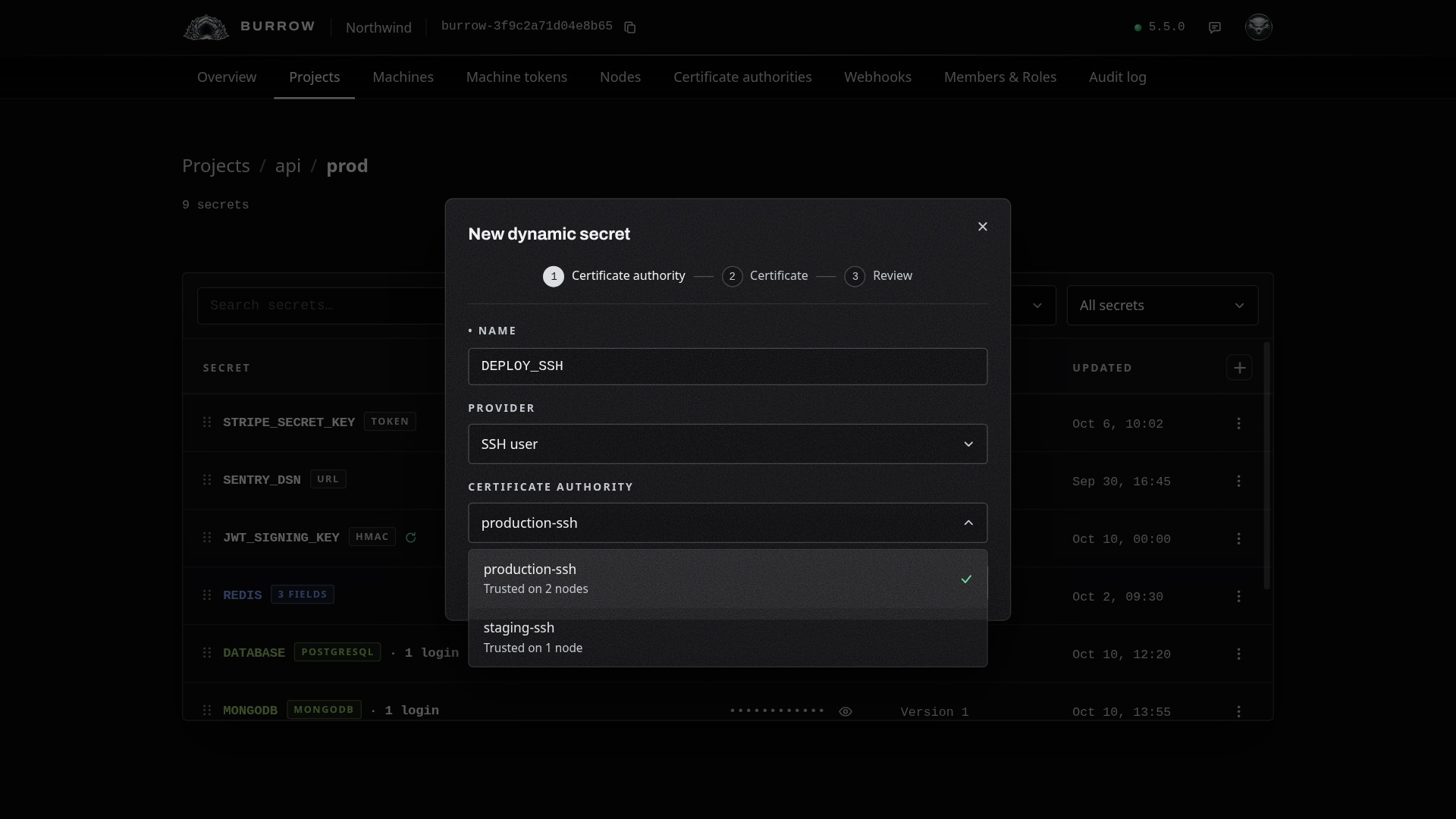
Each enabled certificate authority is listed with how many nodes' hosts trust it, and the first is picked. A secret keeps the certificate authority it's created with.
Say what each certificate allows#
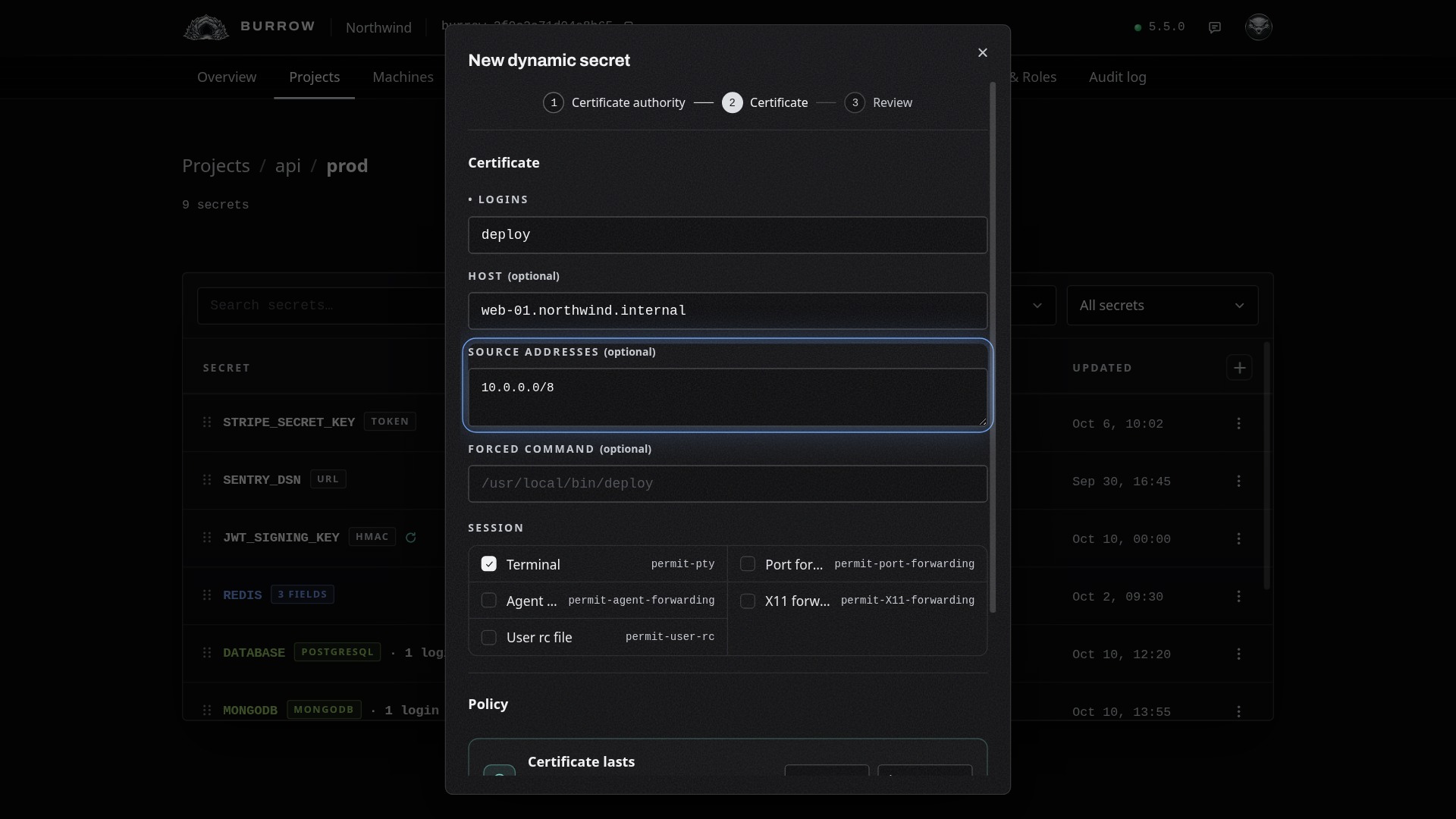
Setting | What it does |
|---|---|
Logins | The accounts it signs in as, 1 to 16, separated by commas or spaces. Each has to exist on the host. |
Host (optional) | Where machines connect with it: a DNS name or an IP address. |
Source addresses (optional) | The IP addresses or CIDR ranges it can be used from, up to 32. Left empty, it works from any address. |
Forced command (optional) | The one command a login with it runs, whatever is asked for. |
Session | What a session may do: a terminal, which is on unless you clear it, and port forwarding, agent forwarding, X11 forwarding and the user rc file when you pick them. Point at a name cut short to see it whole. |
Set how long it lasts#
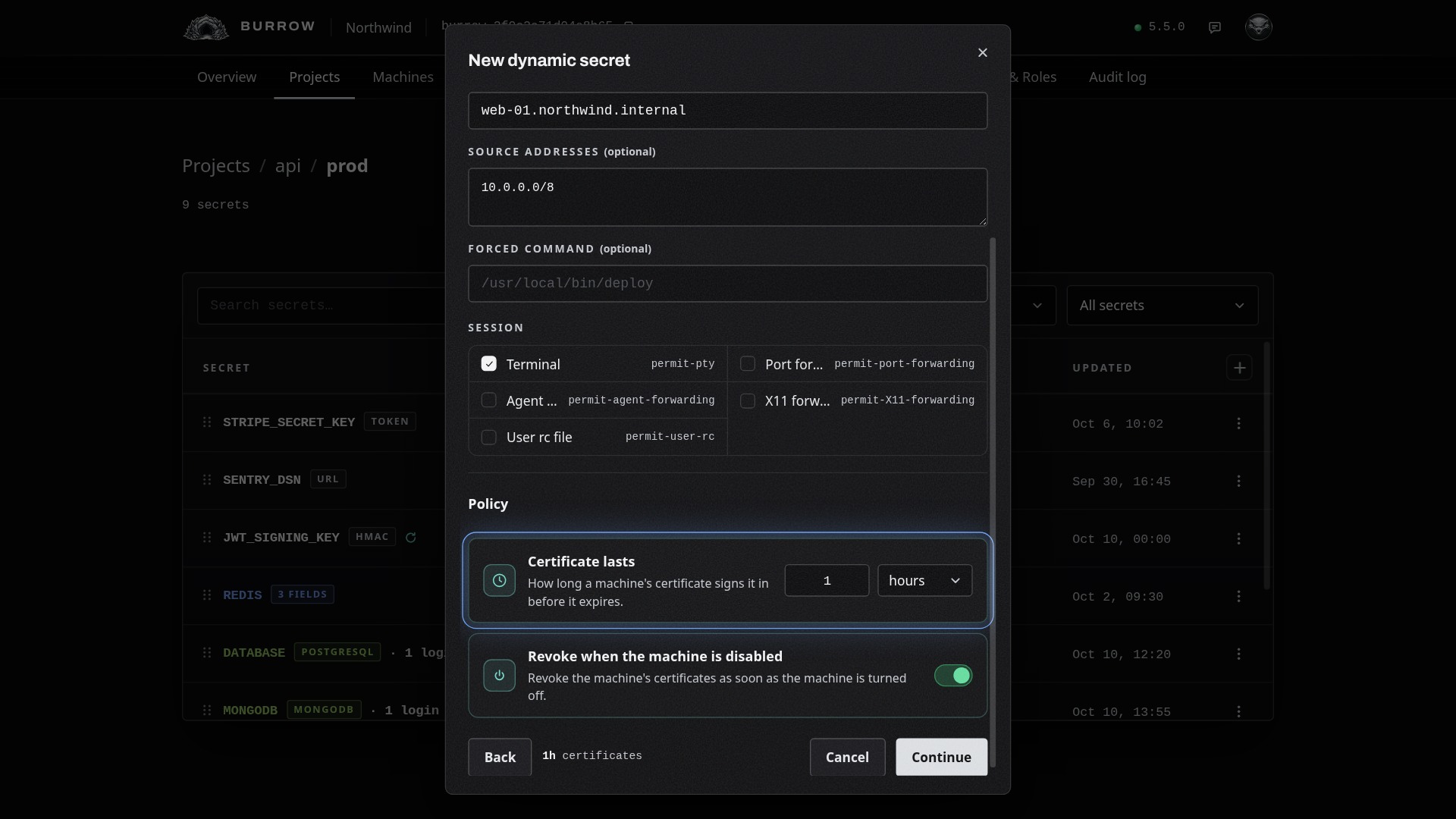
Certificate lasts sets how long each certificate works, from 1 minute to 24 hours, 1 hour unless you choose. Revoke when the machine is disabled, on unless you turn it off, revokes a machine's certificates as soon as the machine is turned off. Each fetch signs a new certificate for the key the machine brings, so there's nothing to renew.
Review and create#
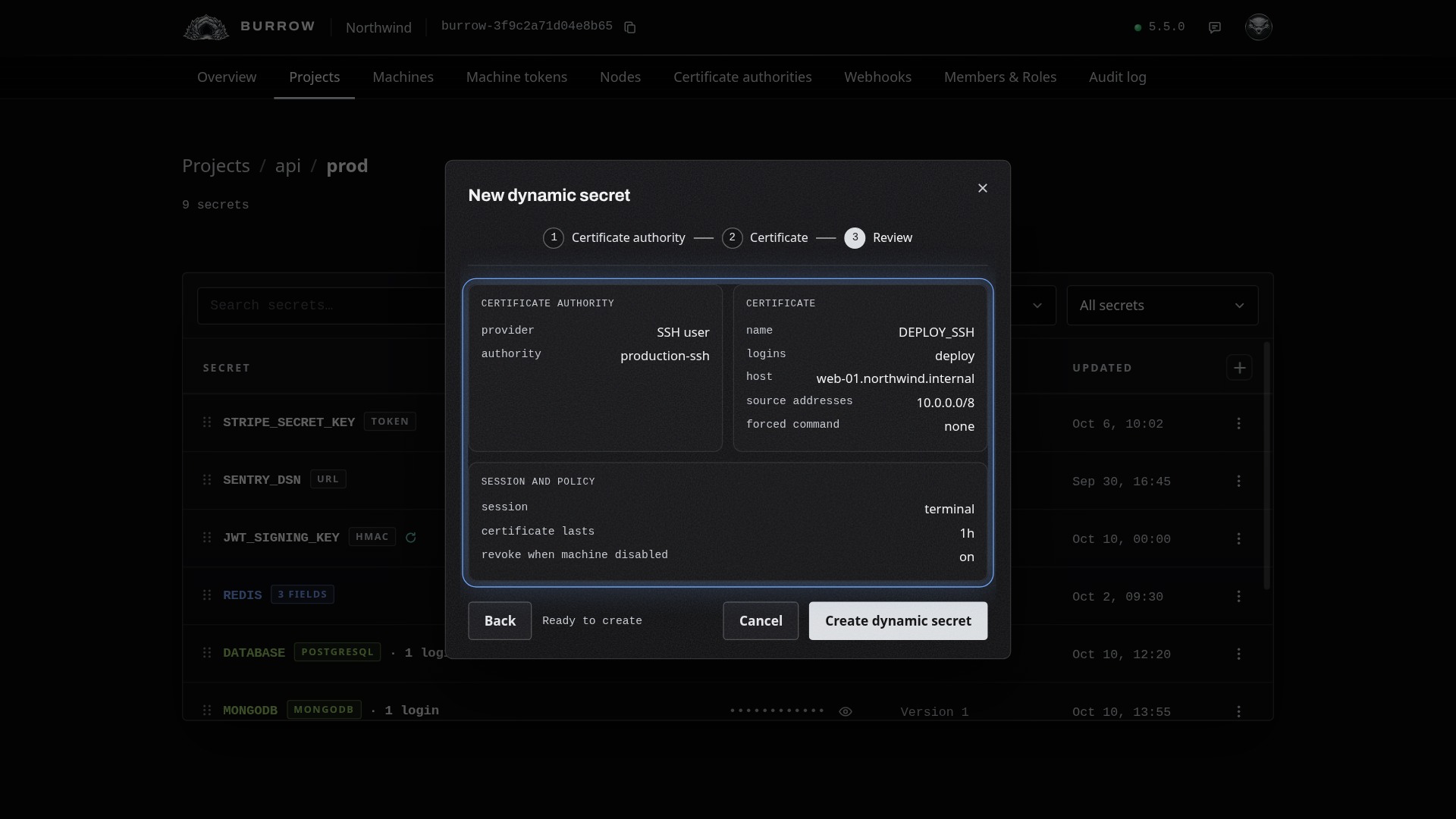
Select Continue to see everything on one page, then Create dynamic secret. Its row shows its provider and the certificate authority that signs for it.
Fetch a certificate and log in#
On a machine with access to the environment:
ratel cert get api/prod/DEPLOY_SSHLoaded certificate for deploy, valid 1h0m
ssh [email protected]Then plain ssh [email protected] logs in, on Linux, macOS and Windows. The key is made on the machine and stays there. The certificate goes into your ssh-agent until it expires, or without one, into ~/.burrow/ssh, which ~/.ssh/config includes, and the first line says Saved. --validity 15m asks for a certificate shorter than the secret allows.
ratel secret get on the secret answers with the command to run, and ratel run leaves it out:
ratel: DEPLOY_SSH is a dynamic certificate secret. Fetch it with: ratel cert get api/prod/DEPLOY_SSHSee and revoke certificates#
Choose Certificates from the secret's row menu to see each certificate it issued that hasn't expired: the machine holding it, its logins, its serial, its state, and when it was issued and expires.
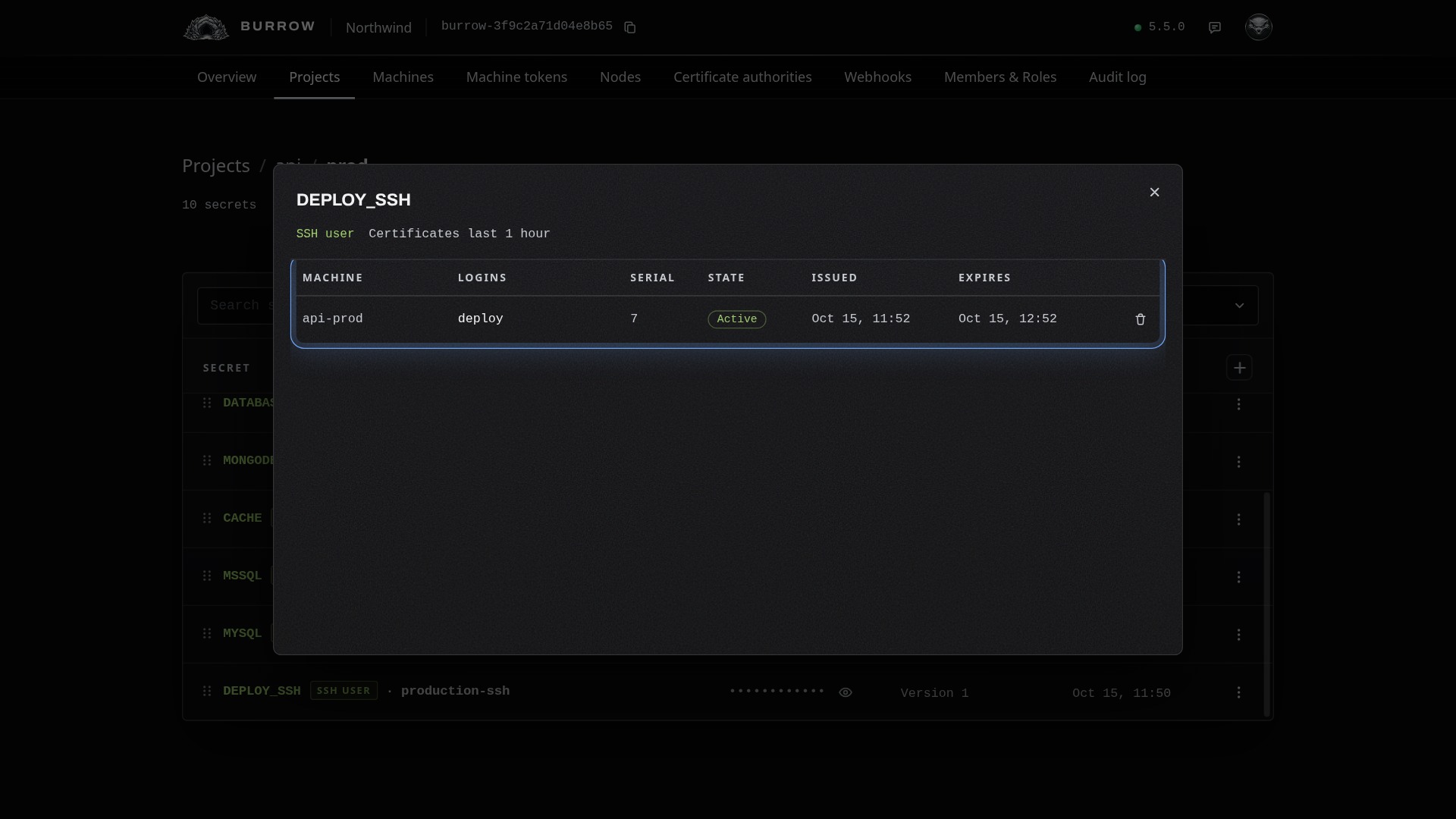
The bin at the end of a row revokes that certificate straight away. It stays listed as Revoked until it would have expired; point at its state to see why.
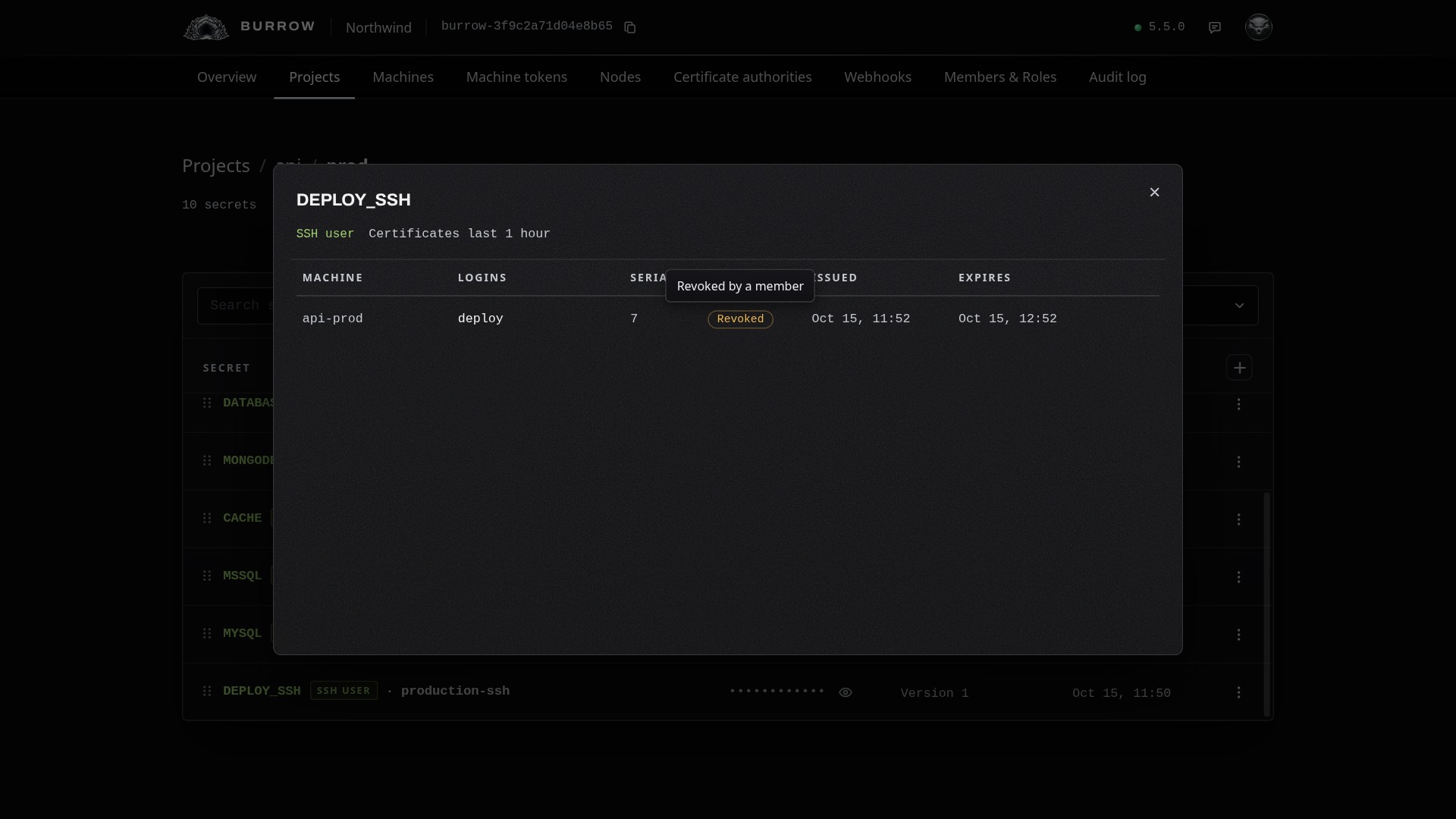
Every node attached to the certificate authority is told, and its host refuses the certificate from then on. The node also ends any SSH session still open with it:
deploy@ip-10-0-4-21:~$ Connection to web-01.northwind.internal closed by remote host.
Connection to web-01.northwind.internal closed.
The machine fetches a new certificate with ratel cert get, for as long as it has access. Your Burrow also revokes a machine's certificates when the machine is removed, reaches the end of its lifetime, loses access to the environment, or is disabled while Revoke when the machine is disabled is on; and when the secret is deleted or what its certificates say changes.
Change it later#
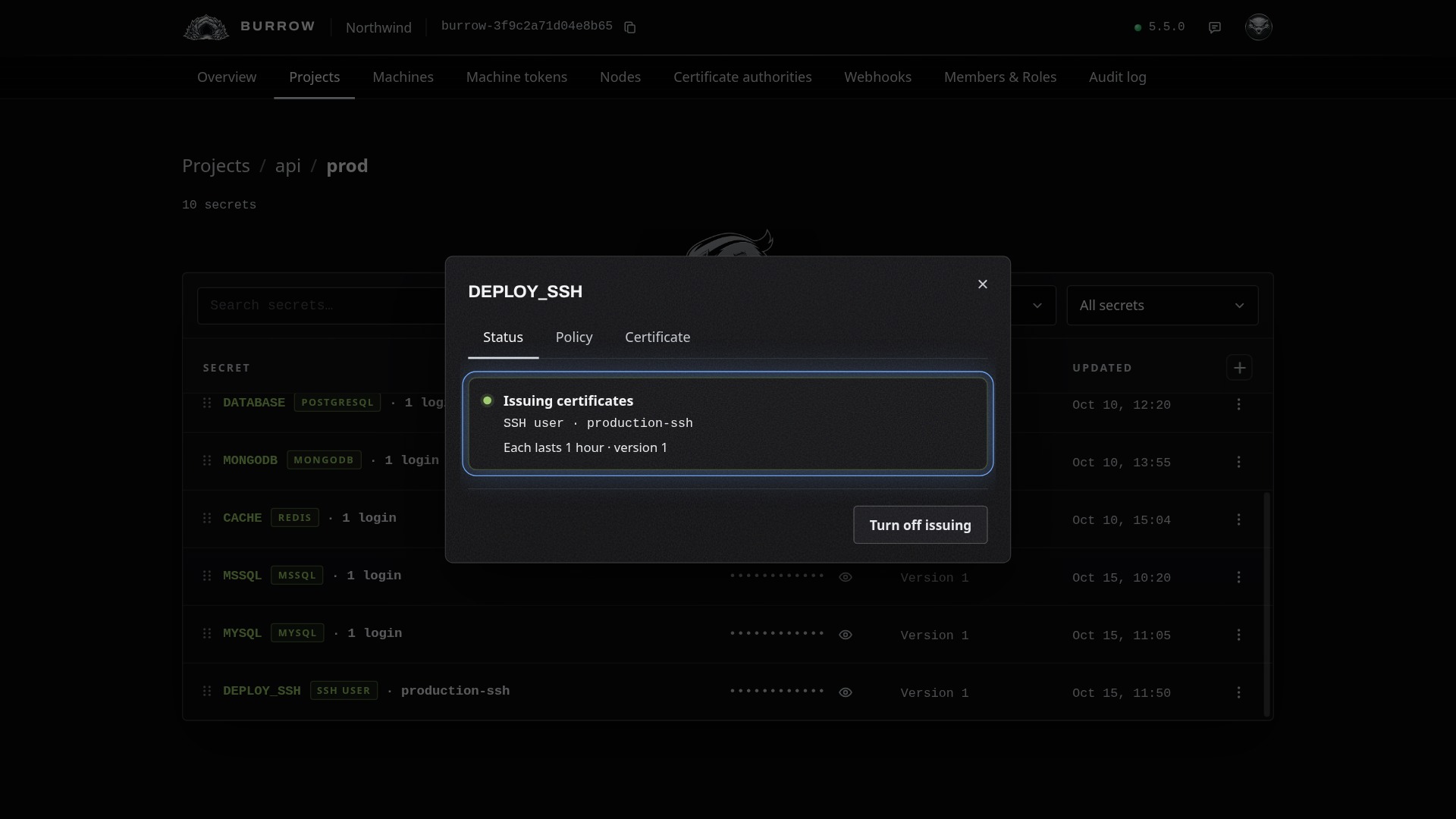
Choose Configure from the row menu. Each tab saves on its own:
Tab | What you change |
|---|---|
Status | Turn issuing off and on. While it's off, fetching is refused; certificates already out keep working until they expire or are revoked. |
Policy | How long a certificate lasts, and revoking when a machine is disabled. A change applies to certificates issued from then on. |
Certificate | What each certificate says, and the host. A change to what certificates say revokes the ones out, and machines fetch new ones; changing only the host keeps them. |
If a certificate isn't issued or doesn't log in#
ratel cert get is refused
Issuing is turned off on the secret's Status tab, its certificate authority is disabled or deleted, or the machine has no access to the environment. The message says which.
ssh says Permission denied (publickey)
The certificate expired or was revoked: fetch a new one with ratel cert get. Otherwise check that the login account exists on the host, that the host's node shows On its host in the certificate authority's details, and that the machine connects from one of the secret's source addresses.
Every option in one place: Dynamic secrets in the documentation, and the CLI page for where the key and certificate go.